
ChatDaddy is one of the best-known WhatsApp tools in Malaysia, and for good reason: it does a lot. But “does a lot” isn’t always what a business needs. Some teams find they’re paying for a shop, a chatbot and five channels when all they wanted was to message their customer list and keep up with the replies. Others outgrow it in the other direction and need heavier routing for a big support team. Either way, they start looking for a ChatDaddy alternative.
The right ChatDaddy alternative depends less on which tool is “best” and more on what you actually do on WhatsApp every day. Here’s how the main options compare, including ours.
First, what do you need it for?
Most businesses fall into one of three groups:
- Outreach and follow-up. You have lists of leads or customers and want to message them personally, get replies and follow up. Property agents, insurance agents, car sales, tuition centres, clinics with recall lists.
- Customer support across channels. Customers come to you on WhatsApp, Instagram, Facebook and your website, and a team answers them in one place.
- Automated sales with a chatbot. Lots of repeat questions, an online store, orders and payments in chat.
Tools built for group 2 or 3 can do outreach, and outreach tools can handle some support. But each tool is shaped around one of these jobs, and you’ll feel it every day.

ChatDaddy alternatives at a glance (2026)
| Tool | Best for | Channels | Worth knowing |
|---|---|---|---|
| ChatDaddy | All-in-one: inbox, CRM, broadcasts, chatbot, shop | WhatsApp, Instagram, Messenger, TikTok, SMS, email | Many modules; connects by QR code or the official Business API |
| SleekFlow | Retail and e-commerce teams across many channels | WhatsApp, Instagram, Facebook, WeChat, LINE and more | Strong in Hong Kong, Malaysia and Singapore; built around the Business API |
| respond.io | Mid-size and larger teams with complex routing | WhatsApp, Messenger, Instagram, Telegram, email and more | Powerful workflows and lead assignment; more set-up |
| WATI | Simple WhatsApp-only support and campaigns | Easy to start; built on the Business API | |
| ZuboChat | Personal outreach and follow-up for small sales teams | WhatsApp (more channels planned) | Safe-pace broadcasts, polls with automatic replies, shared inbox |
All five offer a shared team inbox and broadcasts in some form. Features and plans change often, so this reflects what each tool offered in 2026. The differences are in what each one is built around.
ChatDaddy
Good at: doing almost everything in one place. A shared inbox, contact management, broadcasts, automation, an AI chatbot and even a shop for selling in chat, across WhatsApp, Instagram, Messenger, TikTok, SMS and email. You can connect WhatsApp by scanning a QR code or through the official Business API.
Think about: if you only use a few of those modules, you may find it more than you need. Check which plan includes the features you actually want, and how teammates and contacts are counted.
SleekFlow
Good at: omnichannel selling for retail and e-commerce. It connects many messaging apps popular in Asia, integrates with online stores, and has AI features for answering customers. It has a strong presence in Malaysia, Singapore and Hong Kong.
Think about: it’s built around Meta’s WhatsApp Business API, so first messages to customers go out as approved templates, and Meta charges for marketing messages on top of the subscription.
respond.io
Good at: larger teams that need conversations routed to the right person automatically, detailed workflows, and reporting across many channels.
Think about: that power takes time to set up well. For a team of two or three people who mainly send follow-ups, it can feel like more system than they need.
WATI
Good at: a simple, WhatsApp-only setup. Easy template broadcasts, a no-code chatbot builder and a clean team inbox.
Think about: like other Business API tools, broadcasts use approved templates and Meta’s per-message fees. It’s WhatsApp only, which is fine if that’s where your customers are.
ZuboChat
We built ZuboChat for group 1: businesses whose growth comes from messaging people, getting answers and following up, without a big set-up.
Good at:
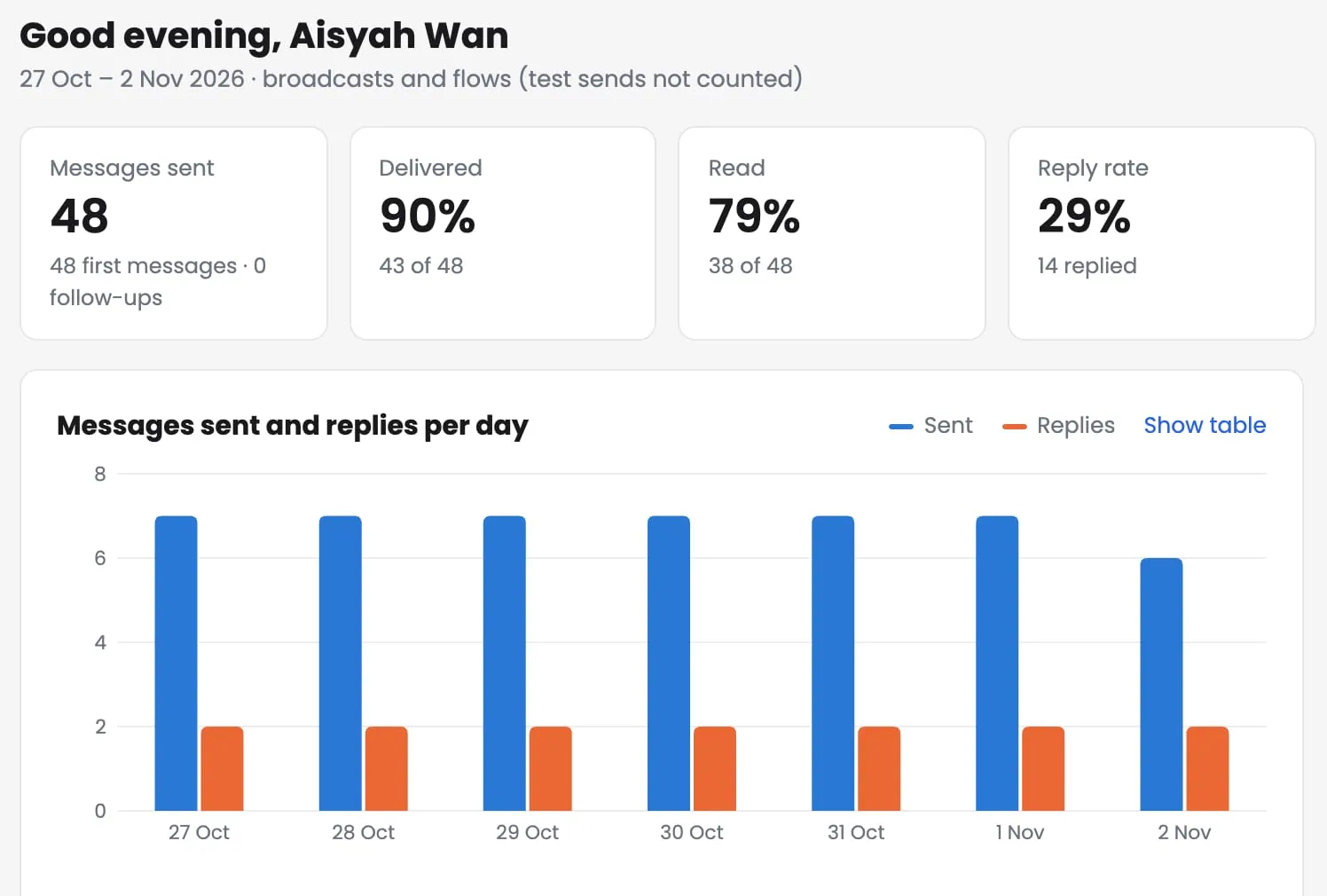
- Broadcasts that feel personal. Each message goes out one at a time from your own number, with the person’s name and details, at a safe pace you set: speed, sending hours and a daily limit per number.
- Polls with automatic replies. Send a one-tap question; each answer gets its own reply within seconds, plus one reminder for people who don’t answer.
- Never message the same person twice. It checks your past broadcasts and chats and skips people you’ve already contacted, and handles “stop” replies automatically.
- A shared inbox that looks like WhatsApp, so your team picks it up in minutes, on a computer or a phone.
Think about (as of 2026): ZuboChat is WhatsApp only for now; more channels are on our roadmap. There’s no AI chatbot yet (Zubo AI is coming). If you need a shop, payment links or a chatbot answering hundreds of support questions, one of the tools above will suit you better right now.
Five questions to ask before you pay
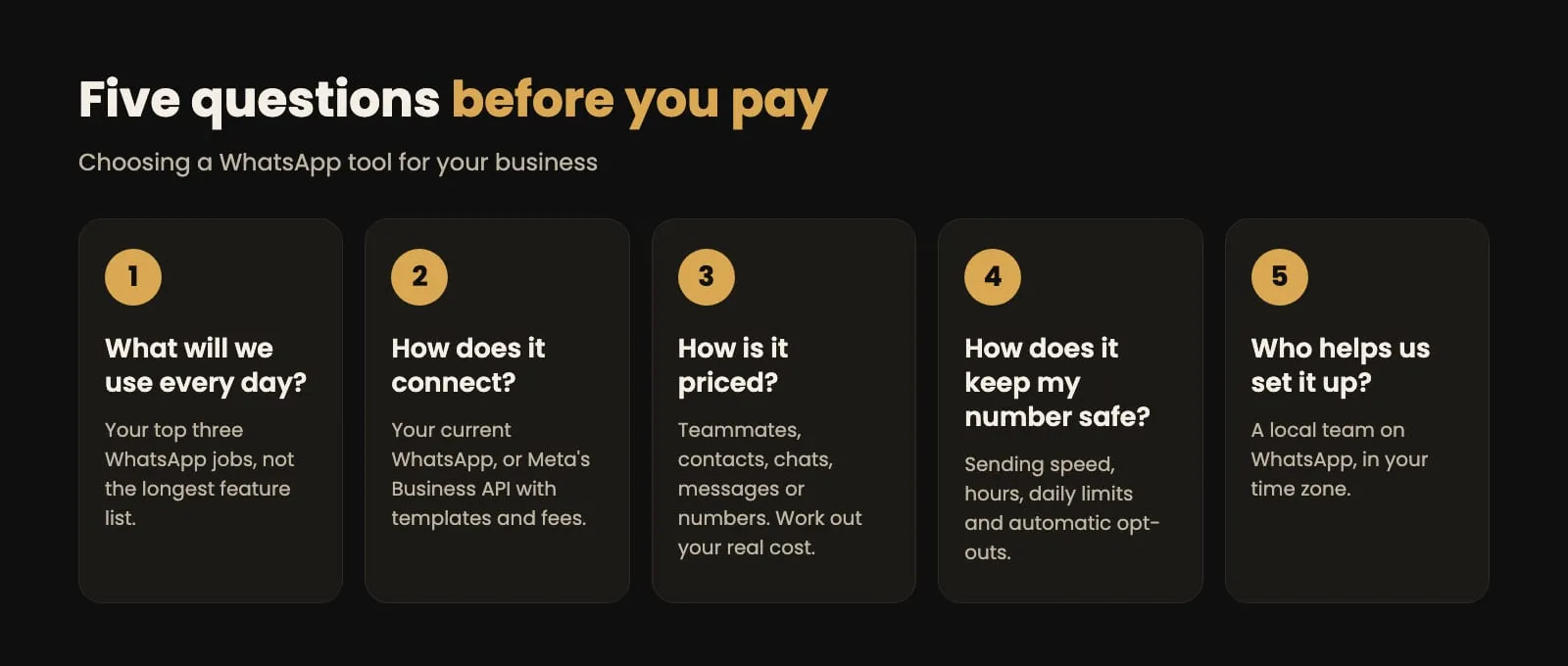
- What will we use every day? List the three things your team does most on WhatsApp. Pick the tool that’s best at those, not the one with the longest feature list.
- How does it connect to WhatsApp? Some tools link to the WhatsApp you already use; others use Meta’s Business API. With the API, you need business verification, your first messages must be approved templates, and Meta charges per marketing message. Ask how it works, what you’ll be charged, and whether you can keep your current number.
- How is it priced? Prices change often and are usually in US dollars. Check what’s counted: teammates, contacts, active chats, messages or WhatsApp numbers. Work out your real monthly cost at your size.
- How does it protect your number? Look for sending speed controls, sending hours, daily limits and automatic opt-outs. Our guide to messaging customers without getting your number restricted explains why these matter.
- Who helps us set it up? A local team that answers on WhatsApp, in your time zone, makes the first month much easier.
Try before you commit
Most of these tools offer a free plan, a trial or a demo. Use it with real work: import one actual list, send one real broadcast to a small group and handle the replies as a team for a week. You’ll learn more from that than from any comparison table, including this one.
If your business grows by reaching out to customers and following up, see what ZuboChat does or chat with us. We’ll set it up with you and send your first broadcast together.